
Expense Tracker
Receipts captured at the register
Track expenses on custom forms, capture the receipt with a phone camera or an upload, and submit for tracking and approval by email.
Included in the $80/mo access fee · no add-on modules
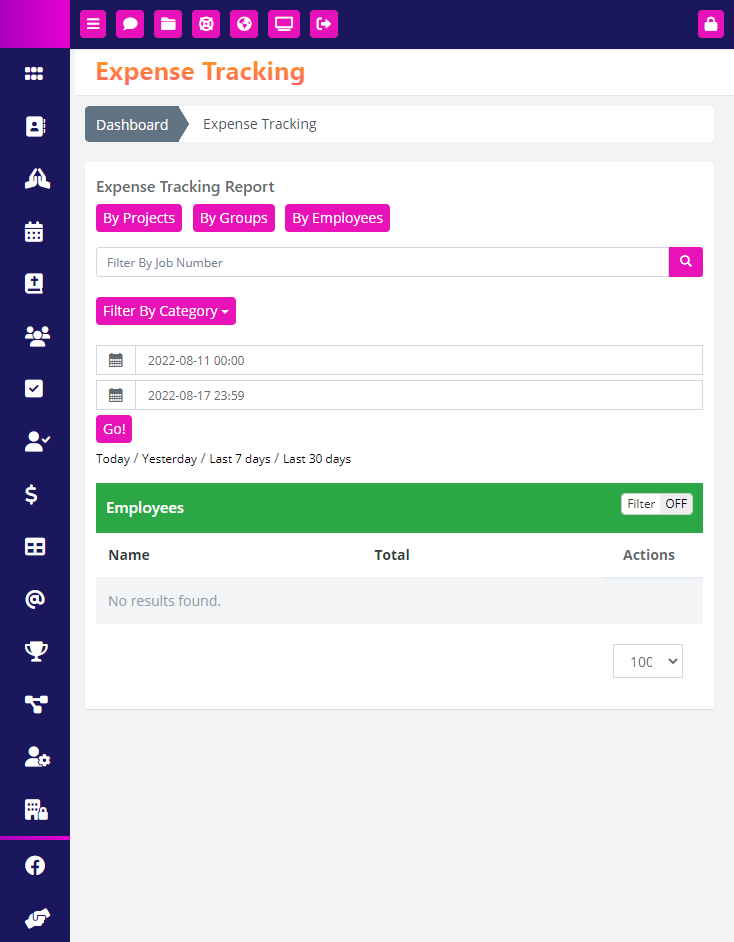
Why churches keep expense tracker in ChurchHarmony
01
The receipt gets photographed, not lost
A volunteer submits from the parking lot with a photo of the receipt. Faded paper in a glovebox is not a reimbursement process.
02
Approval has a trail
Requests route by email to the approver and the decision is recorded, which matters at audit time and at budget time.
03
Your categories
Expense forms are custom forms, so the fields match how your treasurer actually reports.
How congregations use it
Ministry reimbursement
A youth leader submits three receipts from a trip, each with a photo, and the treasurer approves them by email.
Building maintenance
Repair costs are logged against the building category and export for the annual budget review.
Expense Tracker questions
Can volunteers submit from a phone?
Yes, with the receipt photographed by the phone camera.
Is there an approval step?
Yes, routed by email to whoever you designate.
Need it to work a particular way for your congregation? Ask us — custom module requests get built, not filed on a wishlist.
Works with the rest of your church system
Every module shares one database, so nothing needs syncing and nobody re-enters a name.
Custom Forms
A drag-and-drop form builder for everything a church collects — with results stored as a searchable database…
Read more →
Assets Manager
Create, database, track, and maintain important resources — categorized, with files and notes attached and a rolling…
Read more →
File Manager
A centralized view of every file uploaded across ChurchHarmony — folders and subfolders, search, sort, and version…
Read more →
One system for your entire church.
Expense Tracker is one of 24 modules included in the $80 monthly access fee. Unlimited members, no add-ons, no contracts.
Unlimited members · no contracts · unlimited support included